Over time I keep refining an area of the house as a HoloDeck: the goal is experiences (typically gaming) as realistic and immersive as possible with the state of the art (home-scale, of course), generally VR.
I list the various hardware components and the reasons for my choices, if you want to try something similar.
The area is split into two zones:
a play area (4 m × 2.5 m) for free-roam VR titles (such as Half-Life: Alyx), and a simulator for mainly driving experiences (pCars3, iRacing, Assetto Corsa, etc.) or flight (Microsoft Flight Simulator 2020, Elite Dangerous, etc.).
Both areas (6.5 m × 2.5 m total) are covered by Steam / Valve Lighthouse room-scale tracking; I use 3 Valve Base Station 2.0 units: two cover the play area, one as redundant support above the simulator.
General control
A dedicated monitor shows the UI of the management software written for this project.
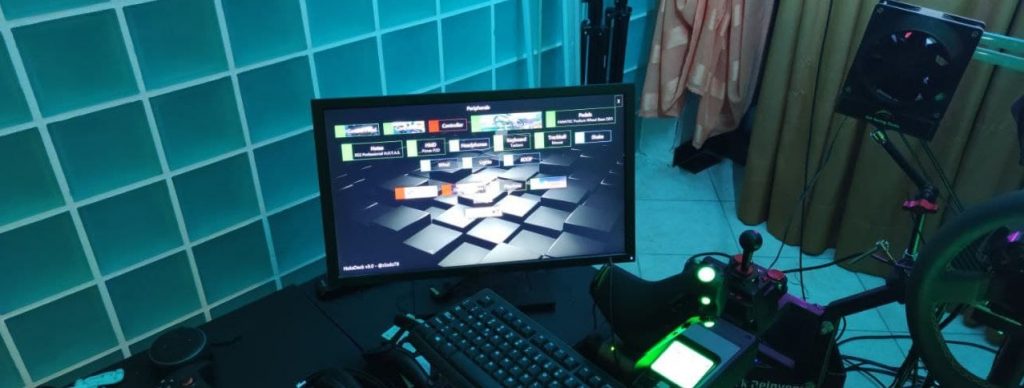
It also appears as a VR overlay (via OVR Toolkit), so it is visible (along with the desktop) in any game, invoked on demand from a physical button on a joystick mentioned below.
(For example, OVR Toolkit lets me place a Zoom window in virtual-world coordinates on the right seat of the Lambo while driving in Project Cars 3 :D)
It is written in C#, based on DirectInput, never released publicly because it is currently too specific to my hardware. It handles boot, checking that everything is up, macros, stats and general management.
I have a set of buttons (typical MAME buttons seen as a joystick) on the fixed station (for macros such as shutdown/reboot)
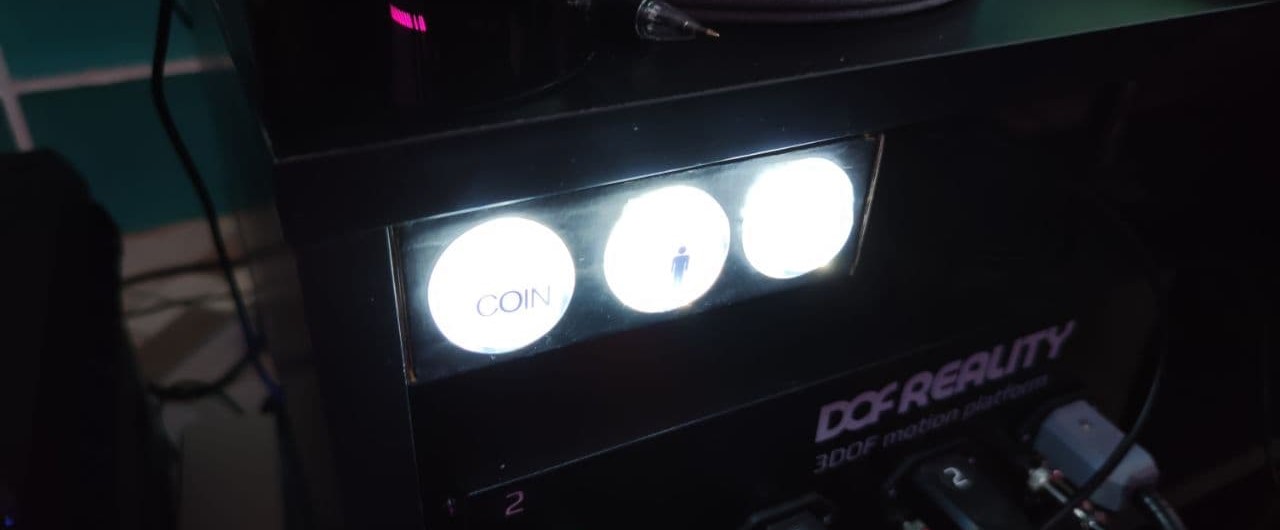
and a C64 joystick on the motion platform (so it moves with me) that I use ad hoc to fire other macros (enable VR views, tuning, settings, etc.) or navigate VR overlays without grabbing the Valve Index controllers. I chose a very simple C64 stick because it is small, easy to handle via DirectInput, and the stick is handy for menus.
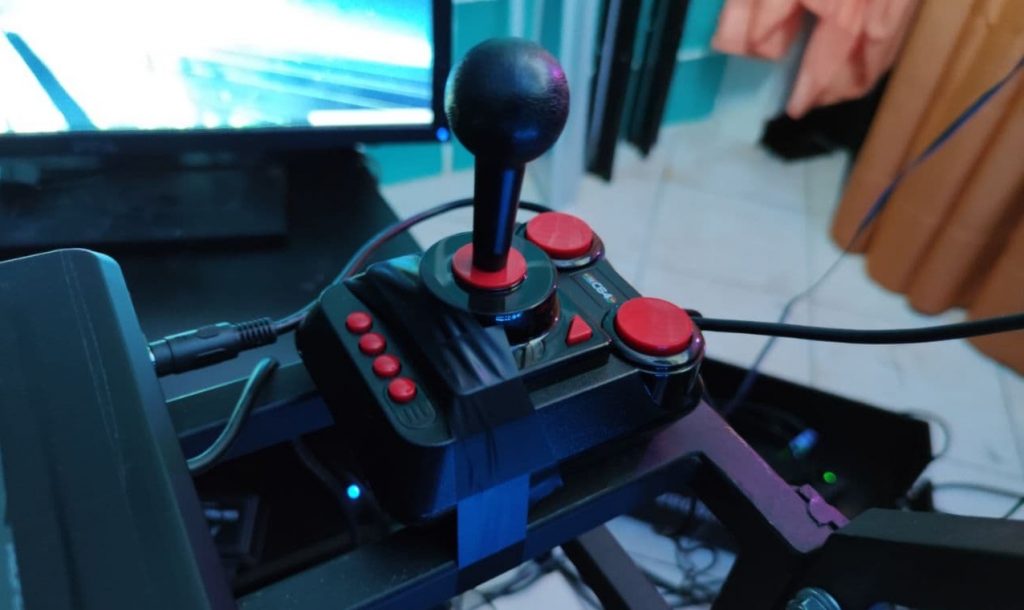
Both joysticks are handled directly by the software mentioned above.
I use dedicated joysticks for general management to avoid mapping conflicts with the others (wheel and HOTAS) in individual games, and because I am almost always mid-game without needing to grab a keyboard that I only keep within reach.
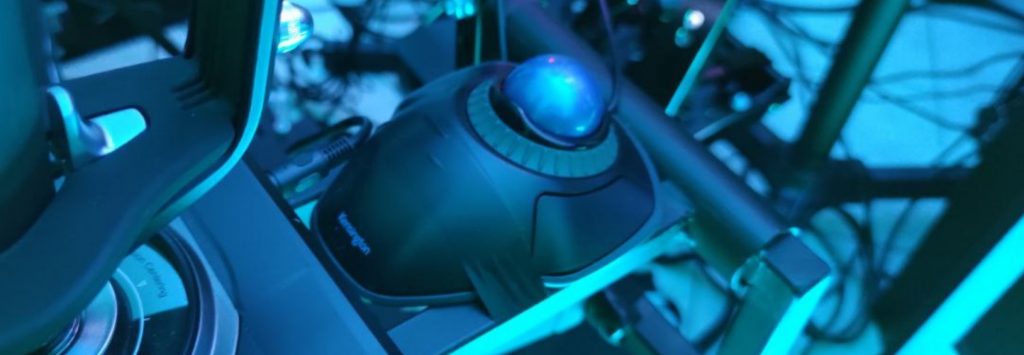
I use a trackball in front of the right HOTAS as a mouse, also on the motion platform (which is why it is not a mouse) moving with me.
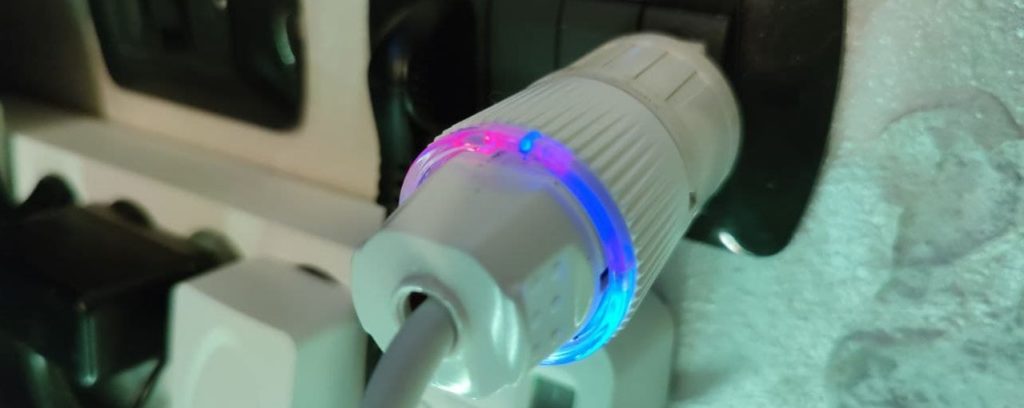
Everything is powered through Shelly Plug S units, so when I want to play I enter the area or climb onto the simulator, put on the headset and say “Alexa, turn on HoloDeck” and the management software starts what is needed, while also measuring wattage. This is also useful because the system acts as a gaming server (via Nvidia GameStream), so I can power it on and use it remotely when I want to play from other home theaters in the house.
Aesthetics
The play area is surrounded by 10 m of LED strip driven by a Shelly RGBW2. The control software manages the colour: red during boot, green when everything needed is ready, etc.
The platform has 5 one-metre LED strips with individually addressable LEDs that show speed, RPM and race flags in driving games. They are driven by an Arduino, part of the Sim Racing Studio system, which also reads telemetry from the games.
PC
Everything is driven by a Windows PC, because VR titles are mainly for Windows. Currently my main specs are an AMD Ryzen 3950X CPU and a GeForce RTX 2080 Ti.
How much compute you need is relative; in my case I aim for a stable 90 fps in VR at supersampled resolutions of 5K and beyond.
Audio
I use Sennheiser Momentum headphones with a 1Mii Bluetooth B10 dongle that enables the aptX Low Latency audio codec supported by the Momentum.
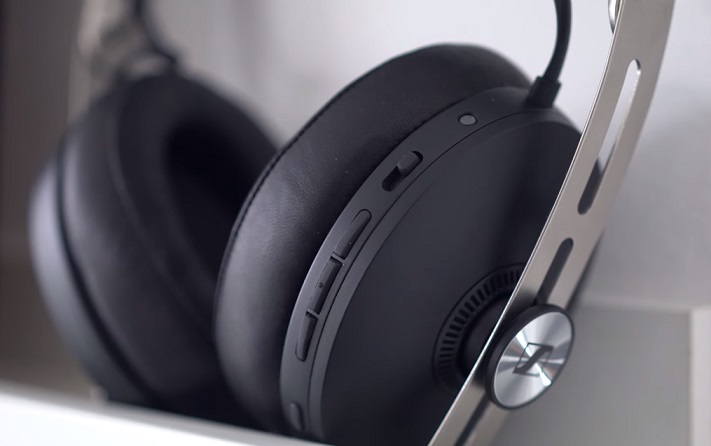
I prefer wireless headphones only; guests hear audio from the monitor.
Wheel and pedals
Wheel, for driving games.
A matter of taste and budget.
Currently I use a direct-drive Fanatec Podium DD1, ClubSport Pedals V3, Podium Advanced Paddle Module, and R300 wheel.
I keep the DD1 around 60%; beyond that it is too hard on the arms. That is why I did not get the DD2.
I have no H-pattern shifter; I prefer sequential, being more oriented toward track racing than rally.
Hotas
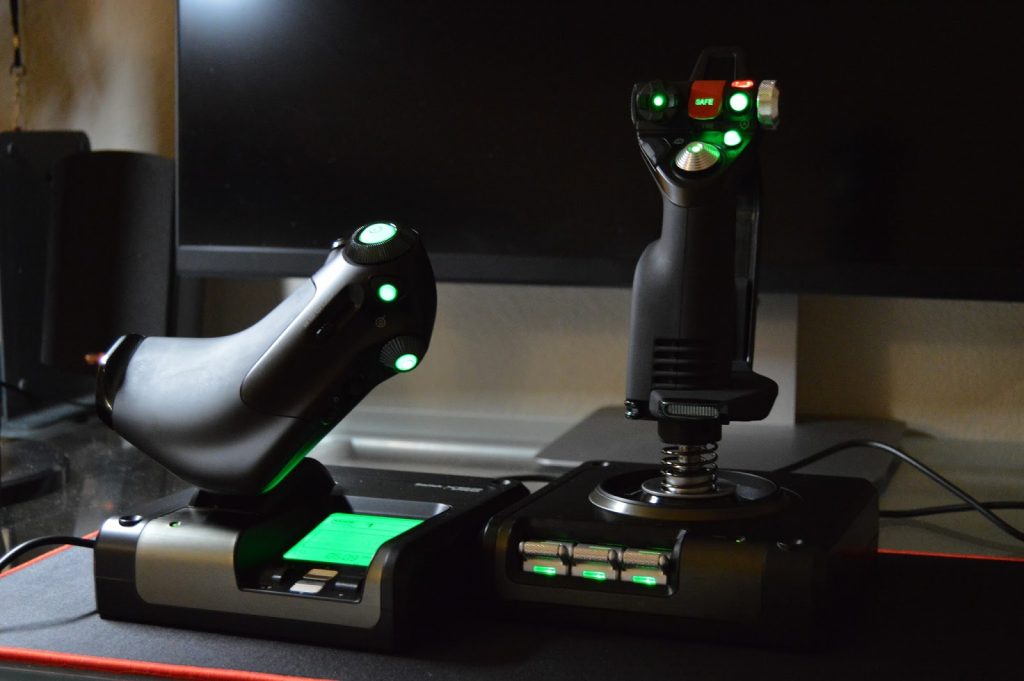
X52 by Saitek
For flight simulators, both realistic (e.g. X-Plane or Microsoft Flight Simulator 2020) and fantasy (Elite Dangerous, Star Wars Squadrons, etc.).
Seat
Again, a matter of taste.
Before the current one I had an RSeat RS1, but unfortunately it was incompatible with the DOF platform I bought later.
Wind
SRS Power Wind by Sim Racing Studio.
Sim Racing Studio software connects to telemetry from various titles (Project Cars 2/3, Assetto Corsa, iRacing, Flight Simulator 2020, etc.) to adjust wind based on speed.
It is very enjoyable, greatly increases the sense of speed, and is very pleasant in summer because it stops the headset fogging up when it is hot.
The two fans are ‘stereo’: they push air differently depending on whether I am taking a right or left turn in the sim.
Earlier (2019) I had Fan Controllers from Sim Projects and two SANYO high-speed fans (16,000 RPM, 12V, 3A). Very aggressive; generally the same effect. I switched to SRS mainly for consistency (same software) with the other components below: Shake and 6DOF.
Vibrations
Elite SRS ShakeCombo by Sim Racing Studio
Lets you feel physically when you hit a kerb or enter a gravel section, or engine revs (feeling the rig vibrate as you floor it at a standing start is worth it).
This also connects to telemetry; the OS sees the kit as a sound card and the driver sends bass for the vibrations.
I have three zones: seat, pedals, backrest.
Motion Platform
P6 by DOF Reality
A 6-axis motion platform.
Platforms are classified by how many axes they control (1 to 6). The first three are rotation about X, Y, Z. The other three are translation along the axes.
I chose DOF Reality’s P6 (6 DOF) for the reasonable cost (I had no way to try several), because I started with the P3 3DOF model (here the earlier version of this project) and later upgraded to 6DOF.
The P line (P3/P6) is ‘professional’; it differs from the H line (H3/H6) ‘home’ in having more powerful motors, wider motion angles, and generally a longer service life. If your simulator will be open to the public, the P version is mandatory; for private use the H lets you save money without many sacrifices. Personally I had to plan some fabrications with a metalworker, especially for the HOTAS mount.
Honestly, the jump in experience/feel from ‘nothing’ to ‘3DOF’ is huge; from ‘3DOF’ to ‘6DOF’ it is minimal. If budget is tight, H3 is my recommendation.
If you care ONLY about racing and not flight sims, a 3DOF with traction loss (like DOF Reality’s H3) is probably preferable to a 6DOF that only simulates it — but that is taste.
In real gaming, especially long sessions (e.g. hours of driving), violent movements are tiring, pointless and annoying. In gaming and especially in VR, a small movement is enough to feel the sensation; beyond that it borders on useless — a fairground ride rather than a simulation.
That is why I am very sceptical about other non-arm-based solutions like Feel Three.
VR Headset / HMD
Pimax 5K+
Dual Customized CLPL panels with 5Kplus 2*2560*1440
200° Diagonal FOV, physical IPD adjustment
The headset has no built-in audio; I use separate headphones.
There is better gear nowadays (2021), but I am waiting to upgrade because even with a 5K+ I struggle to keep decent frame rates.
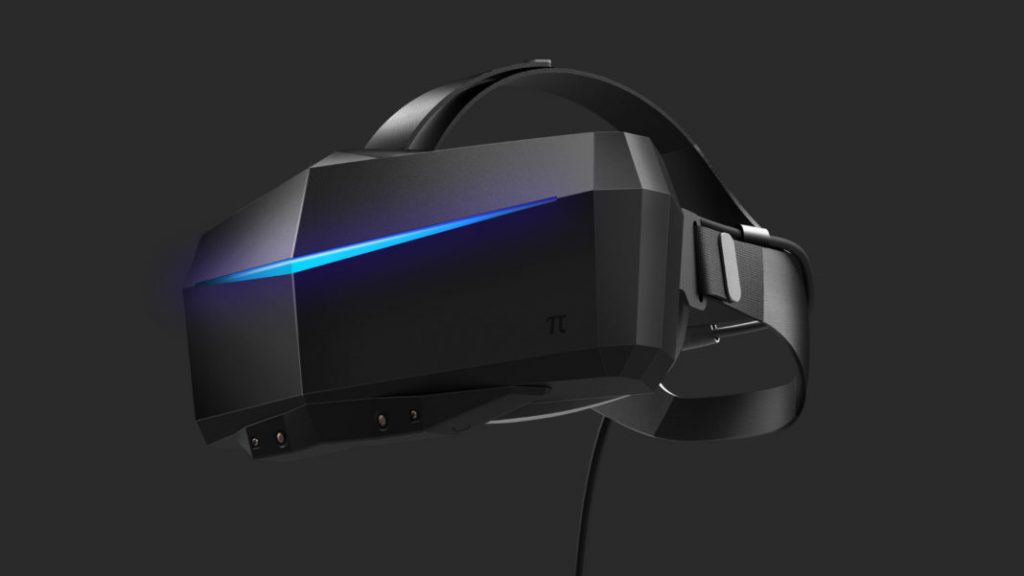
The choice is between 2D monitors or a VR headset.
With monitors you usually use three (plus others for stats and telemetry), but I prefer VR for realism. That is why I went with the Pimax: a huge FOV (Field Of View) that greatly reduces the “binoculars effect” of other headsets (Oculus, Vive, etc.), plus high resolution against the screen-door effect.
If you choose three monitors, remember they should move with the DOF platform, otherwise they cause nausea.
For hour-after-hour professional sessions, 2D monitors are probably less tiring on the eyes.
Previous versions
Here you will find an earlier version of this project, v2, covering the 6DOF setup.
Here v1, covering the 3DOF setup.